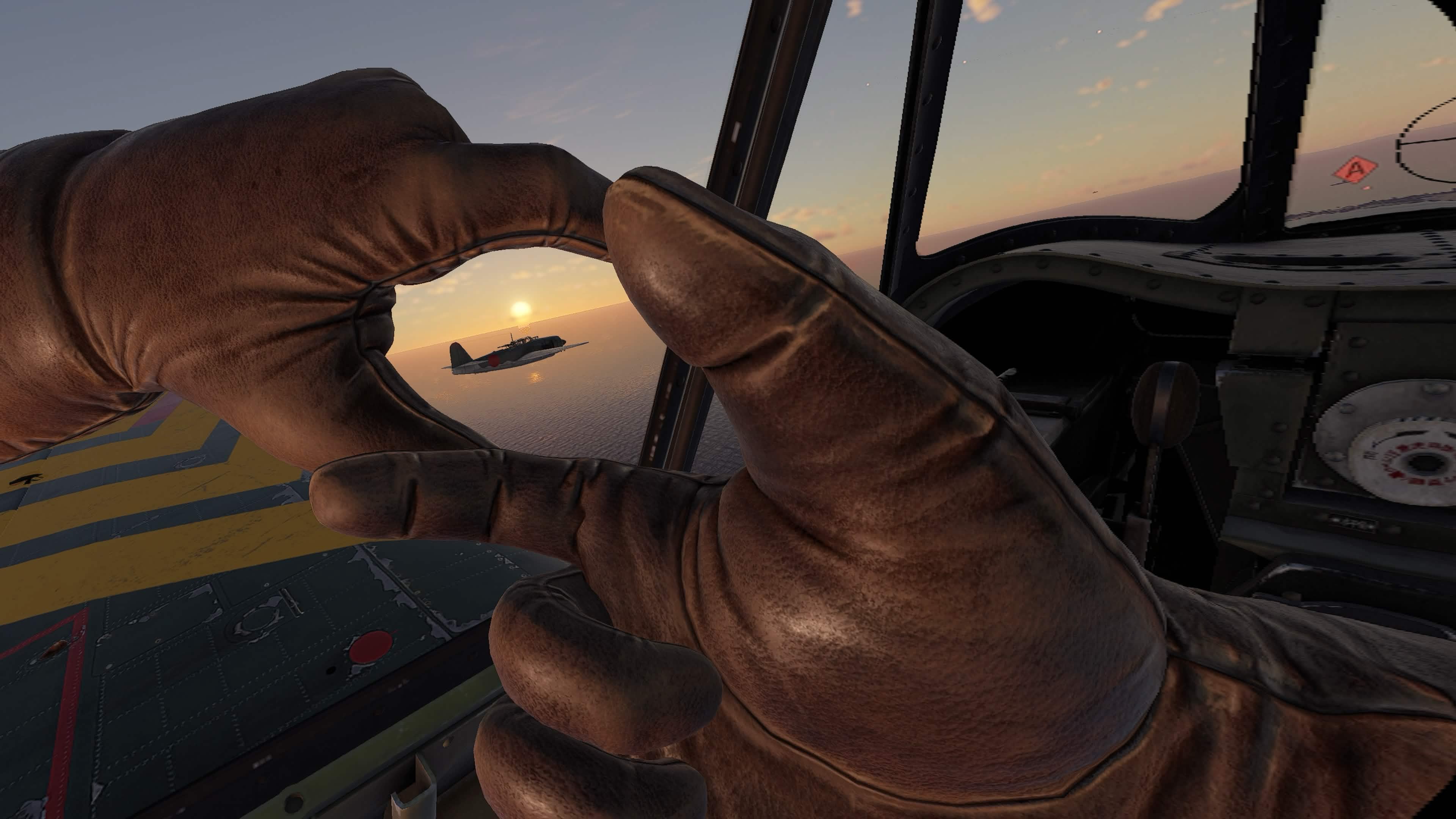
Single Mission and Custom Battles Progress, Control Improvements
We continue to read your feedback and work on improving the game experience. This update (0.1.0.46) focuses on control settings — and upcoming updates will bring further improvements to the control setup process, including VR-specific ones.
For all platforms:
- The control template selector in the controls settings has been replaced with a toolbar featuring dedicated buttons to revert and save changes. Template control has been moved to a separate window accessible via a dedicated button — the previous template carousel has been removed to avoid confusion and accidental misuse. This makes changing settings clearer and safer. As before, only one template is active at any given time, and all settings are saved after explicit confirmation — when leaving the controls menu or pressing the corresponding button.
- A button to launch the quick setup wizard has been added to the controls settings window when a joystick is connected — it walks you through binding the essential actions for your first sortie step by step. We'd love to hear your feedback on how it works.
- Added buttons to save and revert all changes made to controls.
- All bundled control templates now explicitly set the correct autotrim value for each device class — previously this depended on runtime conditions and could behave unpredictably. Important: as a result of this fix, your autotrim setting may have changed value for technical reasons, since it was being saved to different locations due to a bug.
- Progress in single missions and custom battles is now counted toward your overall player progress — this allows you to unlock new modifications, complete daily tasks, and earn achievements, including in offline mode.
- Fixed an issue where switching between flat-screen and VR mode at the moment of spawning into battle could block available loadout options for aircraft, leaving only the basic loadout.
- The HMD position reset option in the multifunction (radial) menu is now disabled outside VR mode, as this action has no effect on flat-screen.
- Fixed an issue where it was sometimes impossible to scroll through a long list of changes in the controls settings confirmation dialog.
- Scrolling in the EULA and 3rd Party Licenses windows now works regardless of the cursor position.
- Players who have not yet customized their controls will now see an initial template selection window when entering the controls settings. It displays all available templates sorted by relevance (with templates for connected devices listed first).
- Added the ability to revert an individual changed binding back to its previously active value.
- The detailed axis settings view has been moved to a separate window — this improves usability by keeping all information about a specific axis in one place to reduce the amount of scrolling required.
- The autotrim option has been moved from the "Comfort" section to "Controls → Trim", where its location is more logical. The new name is "Trimming Mode".
For PC:
- Added control templates for popular joysticks: Thrustmaster HOTAS Warthog, VKB-Sim Gladiator Mk.II, Thrustmaster T.Flight Hotas One, Logitech Extreme 3D Pro, and Thrustmaster T.16000M FCS Flight Pack.
Blue Skies in Their Memory
On V-E Day, we honor the courage of those who fought in the skies and on the ground. Their sacrifice gave us the freedom to fly.
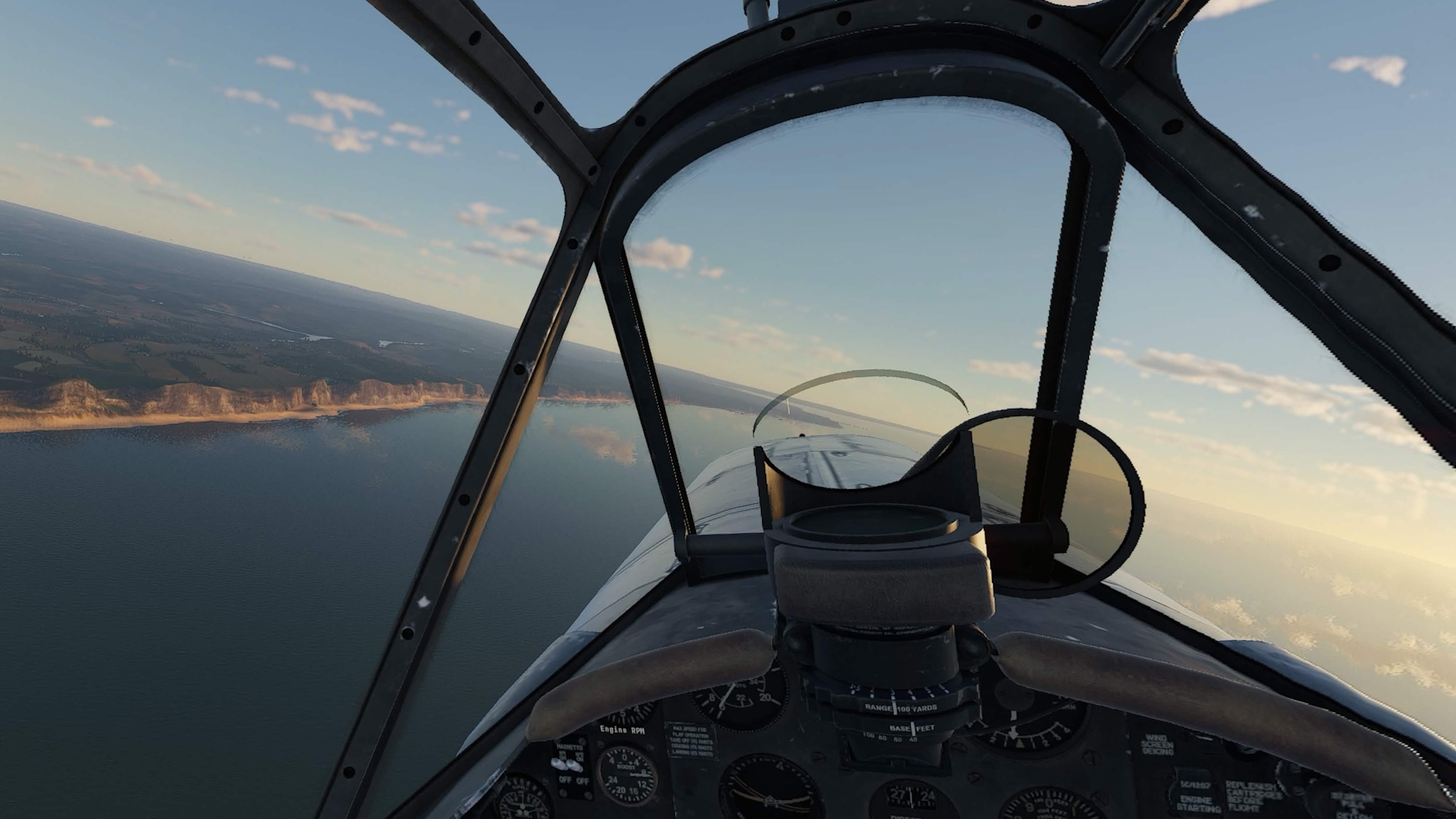
Small improvements
While we continue polishing new aircraft and missions, working on more complex usability improvements and pushing hard to allow players from different platforms to meet in battles, some fixes and improvements need not be delayed.